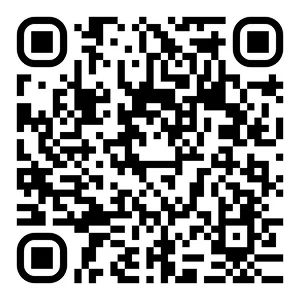
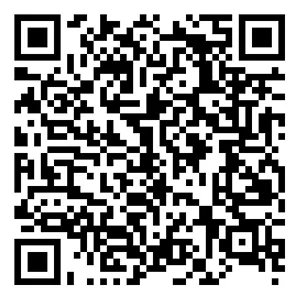
Download the app to sign up




What happens after you download the app
Create your account with the required info, then follow the onboarding steps. Once you’re set up, you’ll be ready to schedule your first delivery block and start earning.
What is involved in onboarding and how long does it take?
Onboarding takes place in the Amazon Flex app. You'll be asked to provide basic information and complete other activities that can help prepare you to deliver with Amazon Flex.
Most people complete all onboarding documents in less than an hour and can start delivering with Amazon Flex in less than a week. It’s helpful to have the following items ready when filling in your details and uploading document screenshots:
- Physical driver’s license
- NRIC
- Banking details, including account numbers and BIC
- Auto insurance policy, so you can confirm that your policy meets coverage requirements
- Driver Improvement Points System Check (attach screenshots)
Make sure your information is correct before you submit it. You will not be able to make changes after you submit. We’ll process your information and send you an email when we’re done, or if we need any additional information. If you’re approved, you can finish your profile and start looking for offers that fit your schedule in the Amazon Flex app.
I was approved as a delivery partner, what’s next?
The Amazon Flex app will show you offers for available blocks, which you can view and schedule from the Offers page. You can plan ahead by searching for blocks that are available later in the day or the following day. In some areas, you can mark yourself as “Available Now” in the Schedule page in the app to get notified of blocks that start within 30 minutes. With every block, you’ll know what you’ll earn before you schedule it.
What is a block?
Deliveries are organized into blocks. The Amazon Flex app will show you offers for available blocks, which you can view and schedule from the Offers page. Blocks include the date, your expected earnings, start time, and estimated duration.
What is a reserved offer?
Reserved offers are exclusively available for you for a limited time. Once a reserved offer expires, it becomes available to other delivery partners. Reserved offers are labeled as “Reserved,” on the Offers page in the Amazon Flex app.
Check requirements
If you’re ready to start earning on your own time, confirm a few basics like age and valid license to get ready to deliver.